Playing with Nano Banana: Image Generation as a Creative Tool
Images
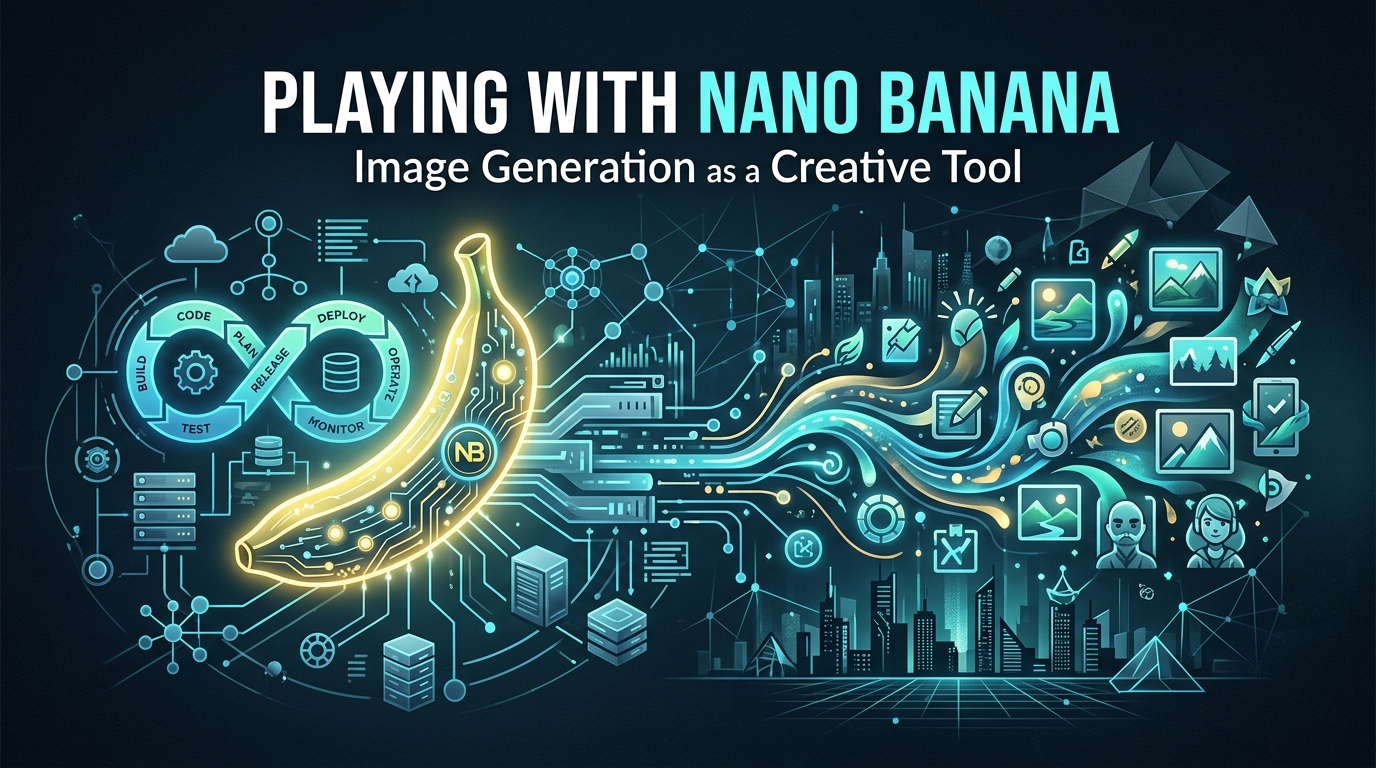
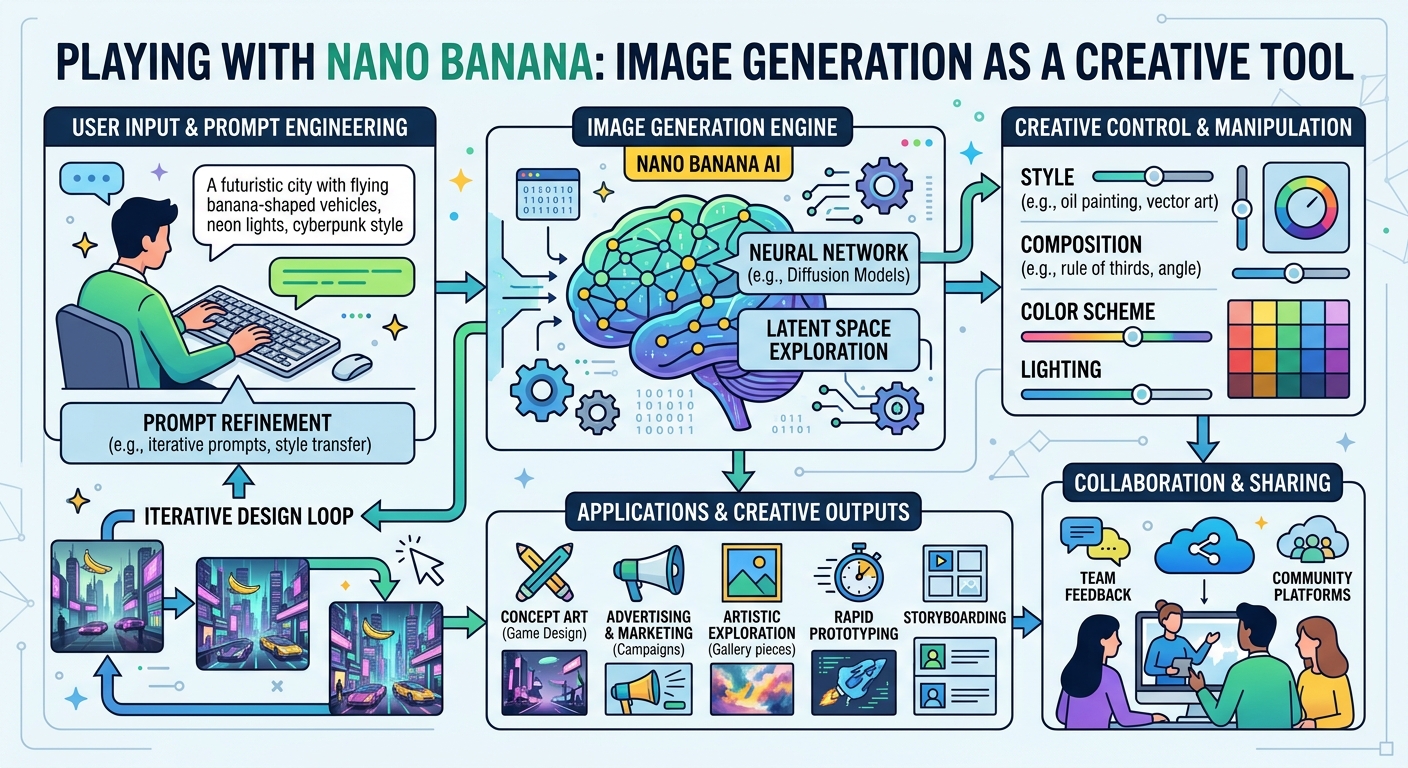
I've spent the last few hours playing with Nano Banana 2 — not in the "I have to integrate it" way, but in the "wait, what can this actually do" way. And I'm surprised.
The Hook
Most tools feel like they have one purpose. You use them, they do the thing, you move on. But Nano Banana feels different. The more prompts I throw at it, the more I realize I don't actually know what I'm asking for until I see the result. It's collaborative in a way that's harder to predict.
Take the hero images above. I didn't write the prompts — they came from the title I gave blog new. The API parsed "Playing with Nano Banana: Image Generation as a Creative Tool" and generated two completely different interpretations of the same idea. One is abstract and playful. The other is more structured, more technical. Both are right, in different ways.
That's the interesting part.
What I Noticed
Speed matters more than I thought. 4.5 seconds per image doesn't sound fast until you realize that in most workflows, image generation is blocking. You wait. You wait some more. Then you get something you didn't want, so you re-prompt and wait again. With Nano Banana, the latency is low enough that it stops feeling like a separate step. It feels like part of the conversation.
Text rendering is underrated. When I first saw that Nano Banana could render readable text in images, I thought "okay, nice feature." Then I realized how many blog posts have headers, callouts, diagrams with labels. Those require text. Midjourney fails at text. DALL-E tries but it's messy. Nano Banana just... does it. Legibly.
Prompts are weird. The auto-generated prompts from the blog title are more creative than the ones I would have written. They lean into metaphor and vibe instead of literal specification. The system is interpreting intent, not executing instructions. That's a meaningful difference.
The Build
Integrating it into blog new was clean because I found the right seam. I didn't have to hack it in. The architecture allowed for it — the post creation hook was the natural place. And credmgr made credentials frictionless.
But the real win was realizing that image generation doesn't have to be a separate workflow. It can be woven into the tool itself. When you create a post, you get images. When you edit the post, the images are already there, organized, embedded. There's no "wait, I should add images later" — it's already done.
What Surprised Me
I thought I'd feel limited by auto-generated prompts. "The AI doesn't know what I want." But the constraint is the point. The images are different every time because the prompt is tied to the title, which forces a kind of structured creativity. You're not overthinking the image. You're committing to the article's title and letting the tool interpret it visually.
It's backwards from how I expected it to feel.
What's Next
The images are good. They're contextual. They load fast. They add something to the reading experience without being the point. That's harder to achieve than it sounds.
I want to keep playing with this — different image styles, different aspect ratios, maybe bulk generation for backfilling older posts. But for now, this is enough. The tool is working. And more importantly, I'm not thinking about the tool anymore. I'm thinking about what to write next.
That's the goal of infrastructure: disappear into the background so you can focus on the actual work.
What I'm taking away: Sometimes the best features aren't the flashy ones. They're the ones that fit so cleanly into your workflow that you forget they're there.